
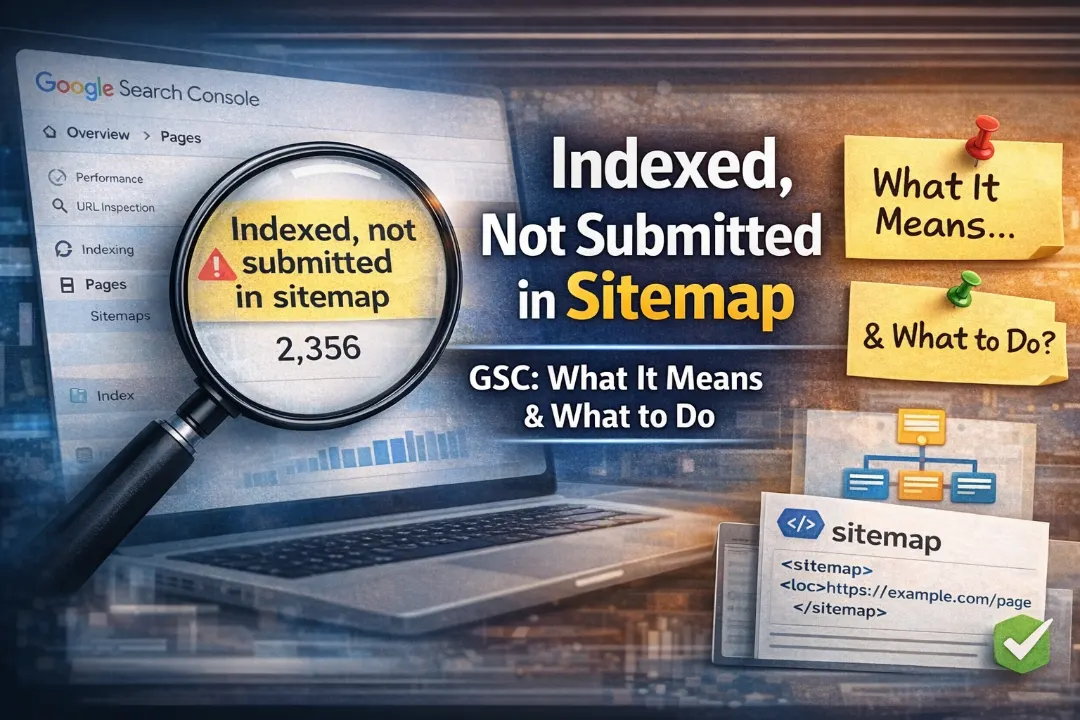
“Indexed, not submitted in sitemap” is one of the most misunderstood statuses in Google Search Console. Unlike most GSC reports, which flag pages with problems, this status often describes pages that are fine — but it can also reveal real issues worth addressing.
This guide explains exactly what this status means, how to determine whether it requires action, and what to do in each scenario.
What Does “Indexed, Not Submitted in Sitemap” Mean?
This status appears in GSC under Indexing → Pages → “Why pages aren’t indexed” — though, confusingly, it also appears among pages that ARE indexed. The “indexed” part is the key word: these pages are in Google’s index and eligible to appear in search results.
The “not submitted in sitemap” part means simply that these URLs were indexed by Google through discovery (following links) rather than through your sitemap. Google crawled a link to these pages somewhere on your site (or on another site), followed it, and indexed the page — without the page being listed in your XML sitemap.
This is not a penalty. These pages rank normally. The status is informational, not critical.
When Is This Status Not a Problem?
In most cases, seeing “Indexed, not submitted in sitemap” is benign. Common reasons why pages end up indexed without being in your sitemap:
Pagination pages: Your sitemap includes /blog/ but not /blog/page/2/, /blog/page/3/ etc. Google discovered and indexed these through navigation links.
Tag and category pages: WordPress creates archive pages for tags, categories, and authors. Your sitemap may only include post URLs, but Google follows the tag links in your posts and indexes these archive pages too.
Old pages that predate your current sitemap: If you recently added or rebuilt your sitemap, pages that were already indexed may not yet be included in the new version.
Search result pages or filtered URLs: Internal site search result pages or faceted navigation URLs (e.g. product filter combinations) that Google crawled through links but which are not in your sitemap.
Recently published content: Pages published very recently that Google crawled via RSS feeds or internal links before your sitemap was updated.
For pagination, archives, and recently published content, this status requires no action. The pages are indexed and functioning normally.
When Should You Act on This Status?
There are three scenarios where “Indexed, not submitted in sitemap” does require attention:
Scenario 1: Important Content Pages Missing From Your Sitemap
If important pages — product pages, service pages, key blog posts — appear in this list, it means your sitemap is incomplete. While these pages are indexed now, an incomplete sitemap means:
- Google may not prioritise recrawling them when you update the content
- These pages receive fewer crawl visits, so updates take longer to be reflected in rankings
- You lose visibility into their indexing status in GSC
Fix: Add the missing pages to your sitemap. For WordPress, check your SEO plugin sitemap settings (Yoast, Rank Math) and ensure all relevant post types are included. For Shopify, check your theme’s sitemap generation settings. For custom sites, manually add or auto-generate sitemap entries for all important pages.
After updating the sitemap, re-submit it in GSC → Sitemaps.
Scenario 2: Pages in This List That Should NOT Be Indexed
Sometimes the “Indexed, not submitted in sitemap” list contains pages you do not want indexed — pages that are indexed not because you wanted them to be, but because Google found them through links and chose to index them.
Common examples:
- Admin pages, login pages, or internal tools accidentally exposed and linked
- Thank-you pages or order confirmation pages that Google found through user session sharing
- Staging or development URLs that leaked into the live environment
- Thin or low-quality pages (tag archives, date archives) that dilute your site’s quality signals
Fix: For pages that should not be indexed, add a noindex meta tag and verify in GSC URL Inspection that the tag is present. Do NOT simply remove them from your sitemap — they are already indexed even though they were never in your sitemap, so removing them from the sitemap does nothing to remove them from Google’s index.
Scenario 3: A Very Large Number of These Pages (Crawl Budget Signal)
For large sites (1,000+ pages), a very large “Indexed, not submitted in sitemap” count suggests that Google is discovering and indexing many URLs you are not aware of. This often indicates:
- Faceted navigation generating thousands of unique URLs
- Parameter-based URL variants being indexed
- Duplicate content accessible via multiple URL paths
This is a crawl budget issue — Google is spending crawl allocation on URLs you did not intend to be indexed, potentially at the expense of your most important pages.
Fix: Identify what types of URLs are appearing in this list. If they are parameter-based or faceted navigation URLs, implement URL parameters handling in GSC Legacy Tools or add noindex directives to these URL patterns. For WordPress, configure your SEO plugin to noindex or block parameter URLs. See our crawl budget management guide for a complete approach.
How to Export and Analyse the “Indexed, Not Submitted in Sitemap” List
- Go to GSC → Indexing → Pages
- Click the “Indexed” tab
- Find “Indexed, not submitted in sitemap” in the list
- Click it to see the affected URLs
- Click “Export” to download the full list as a CSV
Open the CSV and categorise each type of URL:
- Pagination → acceptable, no action
- Tag/category archives → consider whether these should be indexed or noindexed
- Important content pages → add to sitemap
- Unwanted/thin pages → add noindex
- Unexpected URL patterns → investigate the source
Improving Your Sitemap to Reduce This Status
A well-maintained sitemap should include all of your indexed, canonical content pages and nothing else. To improve your sitemap quality:
Include: All blog posts, product pages, category pages you want indexed, service pages, landing pages, and the homepage.
Exclude: Noindex pages, paginated pages (usually), tag/author archives (if noindexed), search result pages, admin pages, checkout/cart pages, and any URLs with ? parameters unless they represent distinctly different content.
Keep it updated: Your sitemap should automatically update when you publish new content. For WordPress, Yoast, Rank Math, and other major SEO plugins handle this automatically. Verify by publishing a test page and checking that it appears in the sitemap within a few minutes.
Submit it in GSC: Go to GSC → Sitemaps → Add your sitemap URL → Submit. Google will check it and report any errors. Re-submit whenever you make significant structural changes to your sitemap.
Related GSC Indexing Statuses
Once you understand “Indexed, not submitted in sitemap,” it helps to understand the related statuses:
Submitted and indexed: The ideal state for your important pages. They are in your sitemap and Google has indexed them.
Submitted, not indexed: Pages in your sitemap that Google has chosen not to index. This is a content quality signal — see our guide on Crawled — Currently Not Indexed.
Discovered — currently not indexed: Google knows the page exists but has not crawled it yet. Often a crawl budget or quality signal issue — see our Discovered — Currently Not Indexed guide.
Indexed, not submitted in sitemap: The status covered in this guide. Pages indexed through link discovery, not sitemap submission.
Summary
“Indexed, not submitted in sitemap” is rarely a critical problem — it means Google found and indexed your pages through links rather than through your sitemap. The main actions to consider are:
- Add any genuinely important content pages that are missing from your sitemap
- Noindex any pages in this list that should not be publicly indexed
- If the count is very large, investigate for unintended URL patterns and address crawl budget issues
For a complete understanding of your site’s indexing health, run through the full GSC Pages report monthly and address each status category systematically. For help interpreting and actioning your GSC data, our technical SEO team offers free audit consultations.