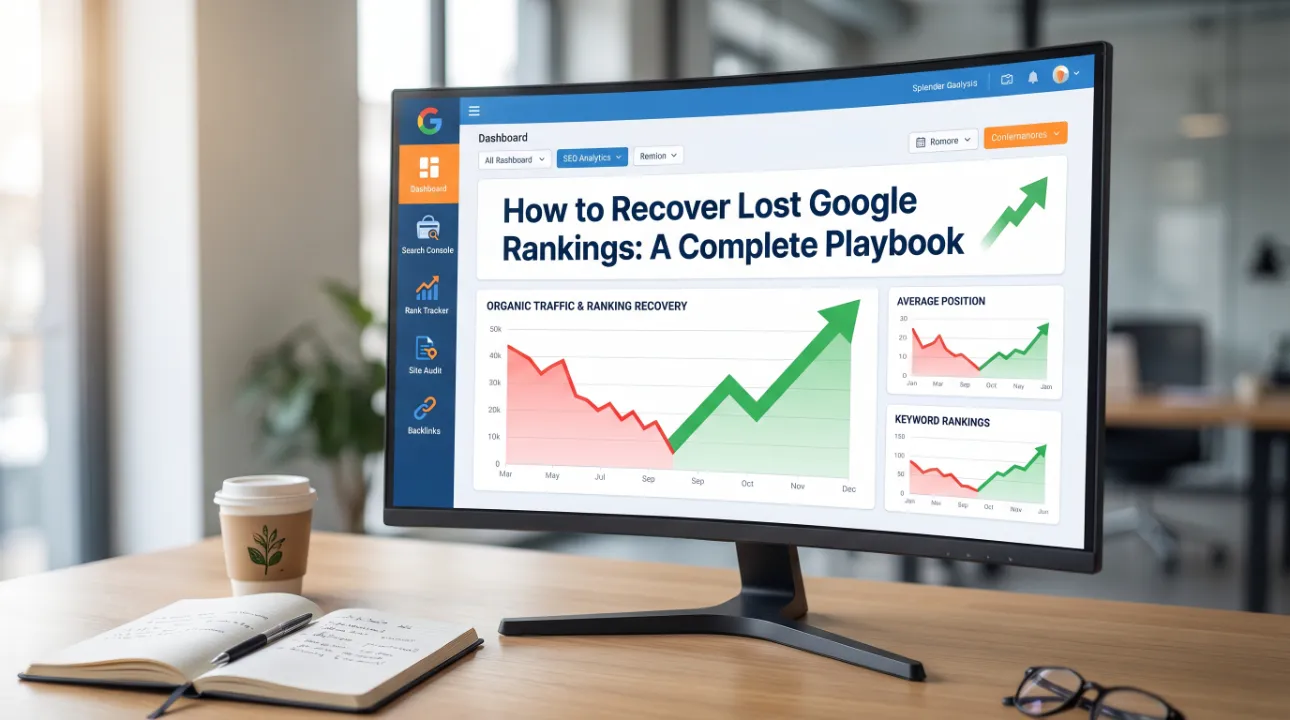
Losing Google rankings feels like losing business revenue overnight — because for many companies, it is. Whether you dropped from position 3 to position 30, fell off page 1 entirely, or watched your traffic chart plummet after an update, the path to recovery is the same: diagnose the cause precisely, fix the specific issues, and rebuild the signals Google rewards.
This guide is a complete playbook for recovering lost Google rankings in 2026, covering every type of ranking loss and the specific recovery actions for each.
Before You Start: Confirm the Drop Is Real
Before changing anything on your site, confirm that your ranking drop is genuine — not a data anomaly.
Check in Google Search Console: Go to Performance → Search Results → compare the last 28 days against the previous 28 days. Filter by Queries and sort by “Clicks Difference” (ascending). If specific queries show genuine click losses, your rankings dropped.
Check via direct search: Search your primary keywords in an incognito Chrome window (to avoid personalisation). Are you actually ranking lower? Note the position and compare to historical data from Ahrefs, Semrush, or your rank tracking tool.
Check Google Analytics: Confirm the organic traffic drop appears in your analytics tool, not just GSC. A drop in GSC impressions only (with stable clicks and Analytics sessions) may be the September 2025 impression data change — not a real ranking loss.
Once confirmed, identify the approximate date the drop started. This is your most important diagnostic clue.
Diagnostic Framework: What Type of Ranking Drop Is This?
Different types of ranking drops have different recovery paths. Identify your type first.
Type 1: Site-Wide Drop (All Pages Dropped Simultaneously)
If pages across your entire site — homepage, blog posts, product pages, everything — all dropped rankings around the same time, the cause is almost always one of:
- Google algorithm update — cross-reference your drop date against Google update announcements
- Technical error affecting the whole site — robots.txt blocking all bots, server returning errors, SSL certificate expired
- Manual action — check GSC → Security & Manual Actions → Manual Actions
Recovery path: Fix technical issues first (fastest resolution), then address algorithm/content issues.
Type 2: Isolated Drop (Specific Pages or Sections Only)
If only certain pages or sections of your site dropped while others held, the cause is likely:
- Content quality issues on specific pages (algorithm update hit low-quality content harder)
- Duplicate content affecting specific sections
- Backlink loss to specific pages
- Technical issues on specific pages (canonicals, noindex, redirect errors)
- Competitor publishing substantially better content for specific keywords
Recovery path: Page-by-page audit of the affected section; fix the specific issue on each affected page.
Type 3: Gradual Drop (Rankings Declined Slowly Over Weeks/Months)
Gradual ranking declines without a specific trigger date suggest:
- Competitor improvement over time — your page held its ranking as competitors were weaker, but has since been overtaken
- Content becoming outdated — information that was accurate 12 months ago is now superseded
- Backlink decay — links pointing to your page have been removed or the linking sites lost authority
- Core Web Vitals deterioration — site has become progressively slower
Recovery path: Competitive analysis, content refresh, and backlink rebuilding.
Recovery Playbook by Cause
Playbook A: Recovering From a Google Algorithm Update
Algorithm update recoveries take time — typically 1–4 months — but the actions are clear.
Week 1–2: Audit and identify
- In GSC Performance, identify the 15–20 pages that lost the most clicks
- For each page, do a content quality audit: Is this page the best available resource for its target query? Would a Google reviewer agree?
- Search each target keyword and compare your page against the current top 3 results
Week 3–4: Fix the worst pages first For each underperforming page:
- Expand thin content to be comprehensive (target 1,500–2,500 words for competitive topics)
- Add original experience signals (screenshots, real examples, case studies)
- Add or improve the FAQ section with Question schema markup
- Update any outdated statistics or references
- Strengthen internal links TO this page from related content
Month 2+: Strengthen E-E-A-T
- Build author pages with detailed credentials for each article author
- Implement Author schema on all articles
- Earn one quality backlink per month from an SEO-relevant publication
- Publish at least one piece of original research or data per month
For a complete algorithm recovery guide, see our Google Core Update Recovery guide.
Playbook B: Recovering From a Technical Error
Technical errors are the fastest type of ranking loss to fix — once the error is resolved, Google recrawls and rankings restore within 2–4 weeks.
Step 1: Identify the technical error type
In GSC → Indexing → Pages, look for the error type that spiked around your drop date:
- Blocked by robots.txt → Fix robots.txt, see our robots.txt fix guide
- Server error (5xx) → Fix server issues, see our 5xx error guide
- Not found (404) → Add 301 redirects, see our 404 fix guide
- Crawled — currently not indexed → Content quality issue, see our crawled not indexed guide
- Redirect error → Fix redirect chains/loops
Step 2: Fix the error
Each error type has a specific fix. Work through the relevant guide systematically.
Step 3: Request recrawl
After fixing, use GSC URL Inspection → Request Indexing for your most important affected pages. For site-wide errors (like a robots.txt block that just got fixed), submit your sitemap in GSC to signal that your pages are now accessible.
Step 4: Monitor recovery
Check GSC daily after a technical fix. Most technical errors resolve within 2–4 weeks of being fixed. If rankings are not recovering, confirm the fix is actually in place (use URL Inspection to test each page) and check for secondary issues.
Playbook C: Recovering From Backlink Loss
If you lost a significant number of backlinks — a major referring site went down, removed your links, or was penalised — your domain authority and page-level authority may have dropped.
Step 1: Confirm the backlink loss
Check Ahrefs Site Explorer → your domain → Referring Domains → filter by “Lost” with a date range around your traffic drop. A significant drop in referring domains confirms backlink loss.
Step 2: Recover lost links
For each lost backlink:
- Was it removed intentionally or because the referring page was deleted? Contact the webmaster if the removal seems like an oversight
- Was the linking domain itself taken down? Nothing to recover — focus on replacement
- Did you change the URL of the linked page? Ensure the old URL 301 redirects to the new one
Step 3: Build replacement links
Lost authority must be replaced, not just recovered. A sustained backlink building campaign — guest articles, digital PR, content partnerships — rebuilds the authority signals over 3–6 months.
See our backlink service for professional link building support specifically designed for SEO agencies and technical content sites.
Playbook D: Recovering From Competitor Overtaking You
Sometimes you did not lose rankings — a competitor got significantly better and overtook you. This requires a competitive response, not a technical fix.
Step 1: Analyse the winning competitor
For each query where you lost position, identify who overtook you. Analyse their ranking page:
- Word count and content depth compared to yours
- Backlinks to their page vs yours (Ahrefs → URL → Backlinks)
- Content format (is it a more comprehensive guide? A better structured FAQ? A more specific tool?)
- Schema markup and rich result eligibility
- Core Web Vitals (is it substantially faster than your page?)
Step 2: Identify the specific advantage
Is the competitor winning because of:
- Substantially better content (more comprehensive, more current, more specific)?
- More backlinks from more authoritative sources?
- Better user experience (faster, cleaner, easier to navigate)?
- More recent publication date (winning on freshness for a time-sensitive topic)?
Step 3: Close the gap and exceed it
Do not match the competitor — exceed them on the specific dimension where they are outranking you. If they have a more comprehensive article, write the most comprehensive article on the topic. If they have 50 backlinks to your 10, build a backlink campaign targeting better sources. Matching the current competition locks you into a tie; exceeding it wins.
Playbook E: Recovering From a Manual Action Penalty
Manual actions are serious but defined — Google tells you exactly what the problem is and what you need to do. See our Google Manual Action recovery guide for detailed steps by action type.
The summary:
- Fix the specific violation listed in GSC
- Document every remediation action with evidence
- Submit a detailed reconsideration request to Google
- Allow 1–6 weeks for Google’s Quality team to review
Speed Up Recovery: Three High-Leverage Actions
Across all recovery types, these three actions consistently accelerate the timeline:
1. Update and refresh your best articles immediately. Content that is current, accurate, and recently updated is favoured by both the algorithm and by human quality reviewers. Go through your top 20 articles, update any outdated statistics, add current examples, and update the dateModified in your Article schema. This alone has recovered rankings for many clients within 4–6 weeks.
2. Add internal links to your recovering pages. Every page on your site that is recovering needs more internal link support. Identify 5–10 related articles and add contextual links from each to the recovering page. Internal links are the fastest SEO change you can make — no external dependency required — and they directly pass authority from your established pages to recovering ones.
3. Fix your click-through rate on SERP. You may already be ranking but getting fewer clicks than you should because your title tag and meta description are not compelling. In GSC, filter by pages with high impressions but below-average CTR. Rewrite these title tags to be more specific, benefit-focused, and action-oriented. CTR improvements affect rankings — Google uses click data as a quality signal.
Recovery Timeline Expectations by Cause
| Cause | Fix Complexity | Recovery Timeline |
|---|---|---|
| Robots.txt block fixed | Low | 1–3 weeks after recrawl |
| Noindex tag removed | Low | 1–3 weeks after recrawl |
| Server errors resolved | Low–Medium | 2–4 weeks after fix |
| URL structure fixed with redirects | Medium | 2–6 weeks |
| Manual action — links removed + reconsideration | High | 4–12 weeks |
| Algorithm update — content improved | High | 1–4 months |
| Backlink loss — new links built | High | 2–6 months |
| Competitor overtaking — content rebuilt | High | 2–4 months |
How to Monitor Your Recovery
Recovery is not a one-time event — it requires ongoing monitoring to confirm improvements are taking hold and catch new issues early.
Weekly: Check GSC Performance → last 7 days. Are clicks recovering on your key pages?
Monthly: Check GSC Indexing → Pages. Is the “Not indexed” count decreasing? Are specific error types resolving?
Monthly: Run a rank tracking check on your 20 most important keywords. Track position changes week-over-week.
After each content update: Use GSC URL Inspection → Request Indexing to accelerate recrawling of updated pages.
When to Bring in Professional Help
If you have worked through this playbook for 60–90 days without meaningful recovery, the issue may be more complex than a standard audit reveals — or there may be compounding issues requiring expertise to untangle.
Our team at 3wBiz specialises in ranking recovery for websites affected by algorithm updates, technical errors, manual actions, and competitor displacement. We start with a comprehensive audit, identify the root cause of the ranking loss, and execute a structured recovery programme. Most clients see initial ranking improvements within 30–45 days of our fixes going live.
Request a free ranking recovery consultation.