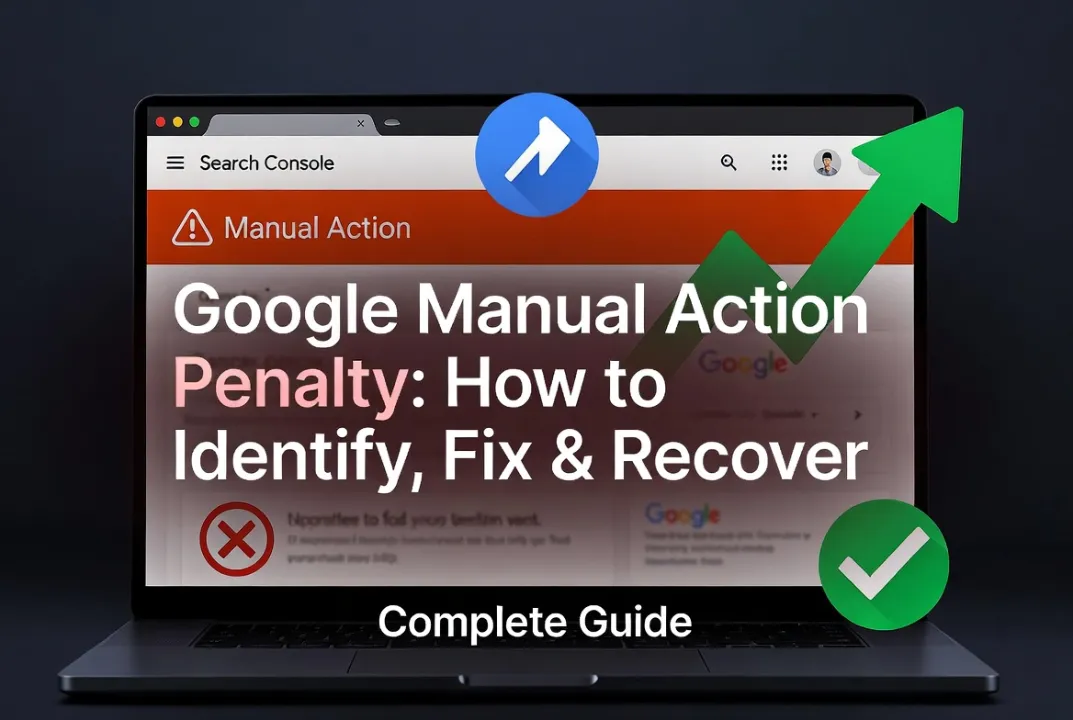
A Google manual action is one of the most serious problems a website can face. Unlike algorithm updates — which affect rankings gradually and indirectly — a manual action is a deliberate decision by a member of Google’s Search Quality team to demote or remove your site from search results.
The good news: manual actions are visible, specific, and reversible. Google tells you exactly what the problem is, and there is a defined process to resolve it.
This guide covers every type of manual action, the specific fix for each, and how to write a reconsideration request that Google actually approves.
What Is a Google Manual Action?
A manual action occurs when a human reviewer at Google determines that a page or site violates Google’s spam policies. It is different from an algorithm update in three important ways:
- It is visible in GSC. Manual actions appear directly in Google Search Console under Security & Manual Actions → Manual Actions. Algorithm penalties do not.
- It is specific. Google tells you exactly which policy was violated and which pages are affected.
- It requires human review to lift. Once you fix the problem, you submit a reconsideration request. A Google reviewer evaluates it and either lifts the action or rejects the request.
Manual actions can affect a specific page, a section of your site, or your entire domain. The severity ranges from a minor demotion (page ranks lower than it should) to complete removal from Google Search (site does not appear for any query, including branded searches).
How to Check If You Have a Manual Action
- Open Google Search Console
- Go to Security & Manual Actions → Manual Actions
-
If a manual action exists, you will see it listed with:
- The type of violation
- The date it was issued
- Whether it affects the whole site or specific pages
- A description of the problem
If this section shows “No issues detected,” you do not have a manual action. Your traffic drop is caused by something else — see our complete traffic drop diagnosis guide.
The 8 Types of Google Manual Actions and How to Fix Each
1. Unnatural Links TO Your Site
What it means: Google has determined that your site has acquired backlinks through paid link schemes, link networks, or other manipulative practices. These links are being used to artificially inflate your rankings.
Who gets this: Sites that have purchased backlinks, participated in private blog networks (PBNs), or exchanged links at scale in ways that violate Google’s guidelines.
How to fix it:
Step 1 — Download your full backlink profile. Export all your backlinks from Google Search Console (Links report → Export) and from Ahrefs or Semrush. Combine these into a single list.
Step 2 — Audit every link. Go through your backlink list and flag links that are:
- From paid link services or link farms
- From sites with no topical relevance to yours
- From private blog networks (sites with thin content, multiple outbound links to unrelated sites)
- From comment spam or forum signature links at scale
- From any source where payment was exchanged for the link
Step 3 — Contact webmasters to remove unnatural links. For every flagged link, email the webmaster and request removal. Keep a record of every outreach attempt (email sent, date, response or no response). Google expects to see evidence of outreach attempts in your reconsideration request.
Step 4 — Disavow remaining unnatural links. For links you cannot get removed, create a disavow file. See our full disavow links guide for the exact format. Submit the disavow file through the Google Disavow Tool.
Step 5 — Submit a reconsideration request (see the section below on how to write an effective one).
2. Unnatural Links FROM Your Site
What it means: Your site is selling links, participating in link exchanges, or otherwise passing PageRank to other sites in ways that violate Google’s policies.
How to fix it:
- Identify all paid or exchanged outbound links on your site
- Remove the links or add rel=”nofollow” or rel=”sponsored” attributes to monetised outbound links:
<a href="https://partner-site.com" rel="sponsored">Partner</a>- Review your linking practices going forward — any link exchanged for payment must be nofollow or sponsored
- Submit a reconsideration request
3. Thin Content With Little or No Added Value
What it means: Google has determined that pages on your site provide minimal value to users — typically because the content is auto-generated, scraped from other sources, or so brief and generic that it adds nothing meaningful.
Who gets this: Sites with:
- Auto-generated content (including low-quality AI-generated content with no editorial input)
- Scraped or spun content from other sites
- Doorway pages (pages created purely to rank for a keyword, redirecting to different content)
- Affiliate sites where all content is just product feeds with no original review or analysis
How to fix it:
- Audit all flagged pages. Read each one critically: does it provide genuine value that a user could not get more easily elsewhere?
- Rewrite thin pages — expand content to be genuinely helpful, add original research or experience, remove or consolidate pages that cannot be improved
- Delete or redirect truly unsalvageable pages — if a page cannot be made genuinely useful, redirect it with a 301 to a better page or the relevant category, then noindex it before deletion if you want to preserve any residual signals
- Remove auto-generated content — if any content on your site was auto-generated without meaningful human editorial review, this must be removed or completely rewritten
4. Cloaking and Sneaky Redirects
What it means: Your site is showing different content to Googlebot than it shows to real users, or using redirects to send users to pages they did not intend to visit.
Who gets this: Sites where:
- JavaScript or server-side logic detects Googlebot’s IP and serves different content
- Redirects send mobile users or users from certain countries to different, often spammy pages
- Redirect chains ultimately land users somewhere different from what was promised
How to fix it:
- Ensure your site serves identical content to Googlebot and real users
- Remove any IP-based or user-agent-based content switching
- Audit all redirects — every 301 and 302 should send users to the content they expected when clicking
- Check for any third-party scripts or hacked redirect injections
5. Pure Spam
What it means: A site-wide manual action indicating that your entire site is considered spam. This is the most severe manual action and can result in complete removal from Google Search.
How to fix it: This requires a complete overhaul of the site — removing all spammy content, fixing any hacking or security issues if the spam was injected, and demonstrating in the reconsideration request that the entire site has been cleaned up and brought into compliance.
If you acquired a domain that previously had a spam manual action, disclose this in your reconsideration request and document the full cleanup.
6. User-Generated Spam
What it means: Spam has been posted by users in comments, forums, or user-submitted content on your site. This is common on WordPress sites with unmoderated comments, forum platforms, and sites with open profile creation.
How to fix it:
- Delete all spammy user-generated content (comments, forum posts, user profiles with spammy links)
- Enable moderation — require approval before new comments or posts appear
- Install anti-spam tools (Akismet for WordPress comments, reCAPTCHA on registration forms)
- Add rel=”nofollow” to all user-generated links automatically:
<!-- WordPress adds this by default to comments -->

<a href="…" rel="nofollow ugc">link text</a>- Implement a clear content moderation policy going forward
7. Hidden Text or Keyword Stuffing
What it means: Your site contains text that is invisible to users (white text on white background, text hidden with CSS, text positioned off-screen) or contains keywords repeated at an unnatural density.
How to fix it:
-
Search your site’s CSS for
color: #ffffff,display: none,visibility: hidden,opacity: 0, andposition: absolute; left: -9999pxapplied to text elements - Remove or make visible any hidden text (if it was added for SEO, it should either be genuine user-facing content or removed)
- Review pages for keyword stuffing — read them aloud. If the keyword repetition sounds unnatural, rewrite
8. AMP Content Mismatch
What it means: The content on your AMP pages does not match the content on your canonical (non-AMP) pages.
How to fix it: Ensure your AMP pages are exact representations of your canonical pages — same content, same structured data, same headings, same images.
How to Write a Reconsideration Request That Gets Approved
The reconsideration request is your one formal opportunity to explain to Google’s Quality team what happened and what you have done to fix it. Most requests that are rejected fail for one of two reasons: they do not provide enough specific evidence of cleanup, or they fail to take genuine responsibility for the violation.
Structure your reconsideration request as follows:
1. Acknowledge the problem clearly
Do not be defensive or blame competitors. Start by acknowledging that the manual action was correctly applied:
“We acknowledge that [site name] was engaging in [specific violation]. We take full responsibility for this and have taken comprehensive steps to bring our site into compliance with Google’s guidelines.”
2. Describe exactly what you found
Be specific. List what you found during your audit:
“During our backlink audit, we identified 347 links from link farm domains, 89 links from PBN sites, and 23 links from paid link services. We identified these using [tools used] and cross-referenced with our historical link acquisition records.”
3. Document every remediation action
Provide evidence of what you did:
- List of links you requested removal for (webmaster email addresses, dates sent, responses received)
- Copy of your disavow file if submitted
- Screenshots of content that was removed or rewritten
- Dates and specific actions taken
“We contacted 156 webmasters requesting link removal between [date] and [date]. We received 43 removals confirmed. For the remaining 313 links we were unable to remove, we have submitted a disavow file to Google on [date].”
4. Explain what you changed going forward
Google wants to know this will not happen again:
“We have discontinued our relationship with [link building provider]. We have implemented a backlink acquisition policy that requires review of any new link by [named person] before acquisition. We will not acquire links from any source that cannot demonstrate organic editorial placement.”
5. Be concise but complete
Length matters less than specificity. A 400-word request with specific evidence is stronger than a 1,500-word request full of vague reassurances.
After Submitting the Reconsideration Request
Google typically reviews reconsideration requests within a few days to several weeks. You will receive a notification in GSC with one of three outcomes:
- Manual action revoked — your site is restored to normal ranking consideration
- Partial revocation — some issues resolved, more work required
- Rejected — the cleanup was insufficient; you must do more work and resubmit
If rejected, read Google’s feedback carefully. They sometimes provide additional specifics about what was not resolved. Address those specifics directly before resubmitting.
How Long Does Manual Action Recovery Take?
Once a manual action is lifted, ranking recovery is not instant. Google recrawls your pages and reevaluates their quality. Depending on the severity of the action and how much ranking history was lost, recovery can take:
- 2–6 weeks: For minor manual actions affecting a small number of pages
- 2–6 months: For site-wide manual actions with significant link cleanup required
- 6–12 months: For severe spam manual actions requiring complete site rebuilds
When to Get Professional Help
Manual action recovery — especially unnatural links actions — is one of the most complex SEO tasks to do correctly. A poorly executed disavow file or an incomplete reconsideration request can result in repeated rejection and prolonged ranking loss.
Our team at 3wBiz has handled manual action recovery for clients across multiple action types. We conduct a full backlink audit, manage webmaster outreach, build the disavow file, and write the reconsideration request. Request a free consultation.
For proactive backlink building that avoids future manual actions, see our backlink service.