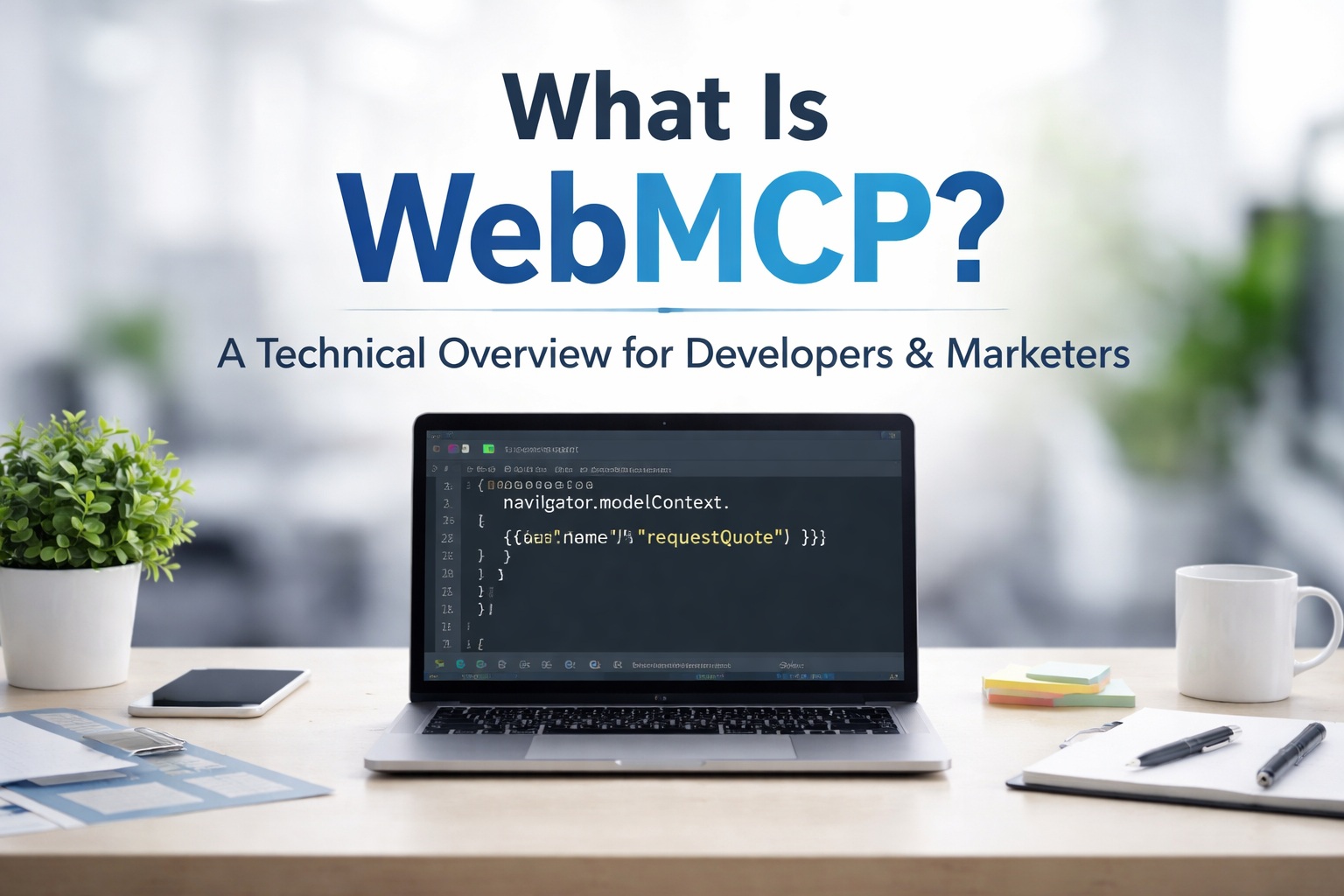
WebMCP — formally the Web Model Context Protocol — is a W3C Community Group standard that enables web applications to expose structured tools to in-browser AI agents via the navigator.modelContext API. Released as an early preview in Chrome 146 in February 2026, it represents a fundamental shift in how AI agents interact with the web.
This article covers what WebMCP is, how it differs from existing approaches (server-side MCP, browser automation, DOM actuation), how the two APIs work, and what it means for how you build and optimize web properties.
Spec status as of March 2026
Status: W3C Community Group Draft
Editors: Contributors from Google and Microsoft
Browser support: Chrome 146 Canary/Beta (flag: chrome://flags/#enable-webmcp-testing)
API location: navigator.modelContext
Predecessor concepts: MCP-B (Amazon, Jan 2025), window.agent (earlier drafts)
Expected beta: Q3 2026 | Production: Q4 2026+
The Problem: Why Current Agent-Web Interaction Is Broken
Current AI agent approaches to web interaction fall into three categories, each with significant drawbacks:
Approach | How It Works | Problems |
Screenshot/vision | Agent captures screenshots, uses multimodal LLM to interpret UI | 2,000+ tokens per screenshot, brittle to UI changes, slow |
DOM actuation | Agent inspects DOM, identifies elements by CSS selectors | Breaks on class changes, no semantic intent, unreliable |
Separate MCP server | Backend MCP server exposes tools via JSON-RPC | Requires server infrastructure, no access to browser session state |
WebMCP fills the gap between these approaches. It operates client-side within the browser tab, inheriting the user’s session state and authentication context, while exposing tools as structured contracts rather than fragile DOM references.
Architecture: How WebMCP Works
WebMCP operates at the browser layer. When a web page registers tools via navigator.modelContext, the browser translates those registrations into a format that in-browser AI agents can discover and invoke. The page acts as a tool provider; the browser acts as the protocol translator.
Key architectural points:
- Same-origin scoping: Tools registered on domain A are not accessible to agents on domain B. Security boundary is enforced by the browser.
- Secure context requirement: navigator.modelContext is undefined on HTTP pages. HTTPS is mandatory.
- Session inheritance: Tool execute() functions run in the page’s JavaScript context — they have access to cookies, localStorage, and authenticated fetch() calls.
- Human-in-the-loop: Write tools (readOnly: false) require browser-mediated user confirmation before execution.
- Not JSON-RPC: Unlike Anthropic’s MCP, WebMCP uses postMessage-based communication internally — the browser handles protocol translation.
The Two APIs
Declarative API
HTML form annotation. The browser auto-generates a JSON Schema from the form’s input types, name attributes, and required flags. No JavaScript required.
<form toolname='requestQuote'
  tooldescription='Request a project quote.
    Accepts: name (text), email (email), projectType
    (enum: web|seo|shopify), budget (text, optional).
    Returns: confirmation ID.'>
  <input name='name' type='text' required>
  <input name='email' type='email' required>
  <select name='projectType' required>
      <option value='web'>Web Development</option>
    <option value='seo'>SEO</option>
    <option value='shopify'>Shopify</option>
  </select>
  <button type='submit'>Get Quote</button>
</form>
Schema inferred by browser from this form:
{
  type: 'object',
  properties: {
    name: { type: 'string' },
    email: { type: 'string', format: 'email' },
    projectType: { type: 'string',
      enum: ['web', 'seo', 'shopify'] }
  },
  required: ['name', 'email', 'projectType']
}
Imperative API
Full programmatic control via navigator.modelContext.registerTool(). Supports custom execute() logic, async data fetching, business rule validation, and dynamic schemas.
if ('modelContext' in navigator) {
  navigator.modelContext.registerTool({
    name: 'searchContent',
    readOnly: true,
    description: 'Full-text search across all content.
      Returns: title, excerpt, URL, publish date.
      Use for: finding articles, guides, case studies.',
    inputSchema: {
      type: 'object',
      properties: {
        query: { type: 'string',
          description: 'Search query' },
        contentType: {
          type: 'string',
          enum: ['article', 'guide', 'case-study', 'all'],
          description: 'Filter by content type'
        }
      },
      required: ['query']
    },
    async execute({ query, contentType = 'all' }) {
      try {
        const res = await fetch(
          `/api/search?q=${encodeURIComponent(query)}&type=${contentType}`
        );
        if (!res.ok) throw new Error(res.statusText);
        return { content: [{
          type: 'text', text: await res.text()
        }] };
      } catch (e) {
        return { content: [{
          type: 'text',
          text: `Search failed: ${e.message}`
        }] };
      }
    }
  });
}
WebMCP vs. Anthropic MCP: Technical Distinctions
| Property | Anthropic MCP | WebMCP |
| Transport | JSON-RPC over stdio / HTTP | postMessage (browser-native) |
| Execution context | Server process (Python/Node) | Browser JS (page context) |
| Session access | No (server-to-server) | Yes (cookies, auth, localStorage) |
| Infrastructure | Requires deployed MCP server | No server — JS on the page |
| User present? | Not required | Required (in-browser session) |
| Auth model | OAuth / API keys on server | Browser session (same-origin) |
| Schema format | JSON Schema (tool definitions) | JSON Schema (inputSchema) |
They are complementary. A well-architected system might expose an Anthropic MCP server for AI platform integrations and register WebMCP tools on the client-facing site for in-browser agent workflows — different contexts, same underlying business logic.
Implications for SEO and Digital Marketing
WebMCP introduces a third optimization layer beyond traditional SEO and AEO (Answer Engine Optimization):
| Layer | Optimizes For | Key Signals |
| SEO | Search engine crawlers | Keywords, backlinks, Core Web Vitals |
| AEO | AI answer engines (LLM citations) | E-E-A-T, structured data, clear factual content |
| Agentic | In-browser AI agents taking action | WebMCP tool quality, form hygiene, HTTPS, schema clarity |
The good news for technically strong sites: existing technical SEO investments (clean HTML, HTTPS, structured forms, fast load times) are the foundation of WebMCP readiness. A site with 90+ technical SEO health is likely 70–80% of the way to Declarative API readiness.
Getting Started: Developer Checklist
- Enable the flag: chrome://flags/#enable-webmcp-testing in Chrome 146+
- Install the Inspector: Model Context Tool Inspector extension from the Chrome Web Store
- Audit forms: Check name attributes, input types (email, url, tel), required flags, and form actions
- Implement Declarative API: Add toolname and tooldescription to your top 3 forms
- Register Imperative tools: Wrap in if (‘modelContext’ in navigator) + DOMContentLoaded
- Test in Inspector: Verify tool appears, schema is correct, execution works, errors return safe messages
- Add agent tracking: Capture SubmitEvent.agentInvoked server-side
- Monitor spec: Follow github.com/webmachinelearning/webmcp for API updates
Need implementation support?
We handle WebMCP implementation for any stack — audit, schema design, tool registration, security review, and documentation.
Visit 3wbiz.com/contact/ to request a technical audit.