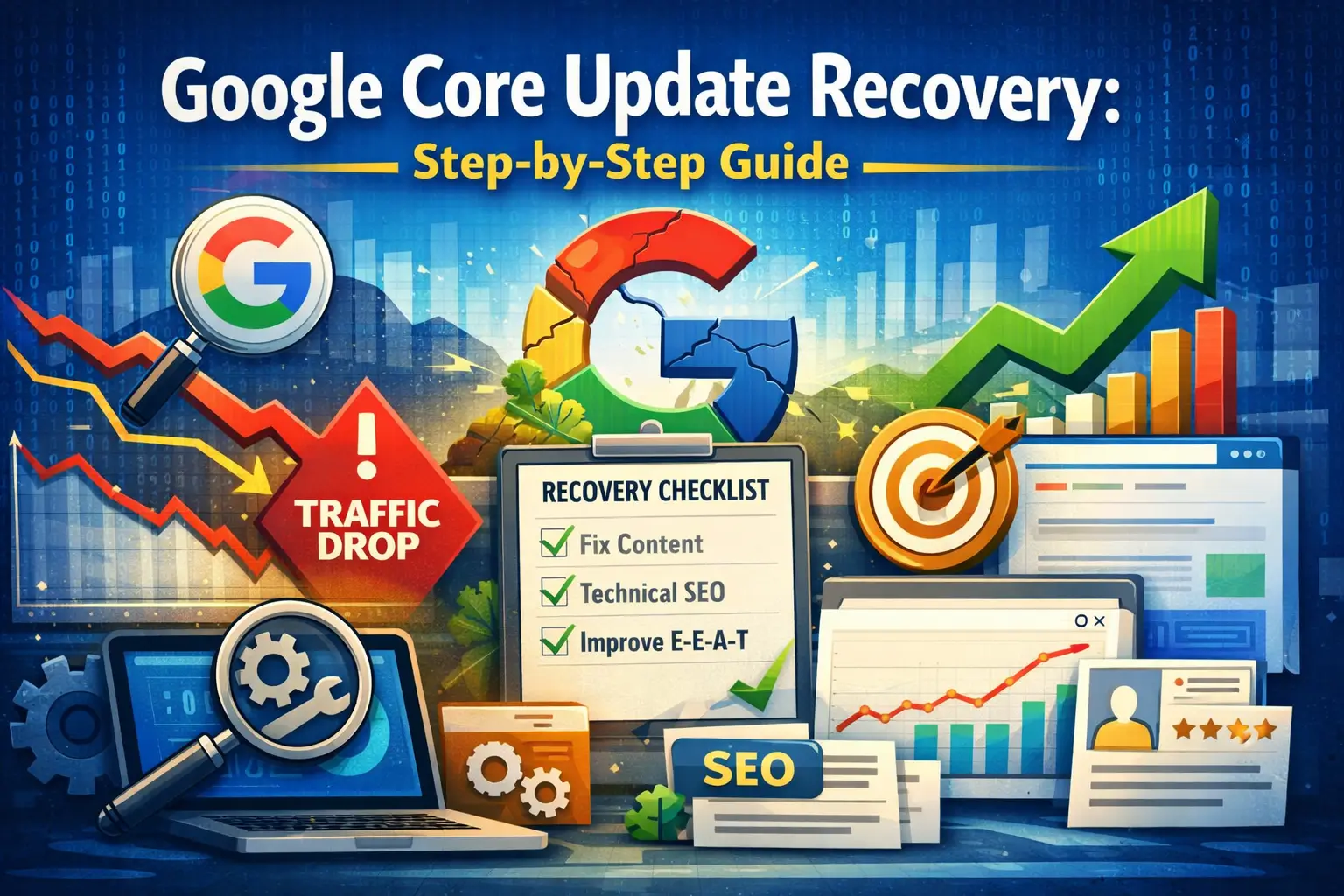
Google’s March 2026 Core Update completed its rollout across mid-to-late March 2026, and if your traffic fell during that window, you were among an estimated 40–60% of websites affected. Affiliate-heavy and thin-content sites were hit hardest, with some reporting 60–80% traffic losses. Sites with original research, clear author expertise, and comprehensive content saw gains.
This guide gives you the exact steps to diagnose what happened to your site and a clear recovery plan you can start today.
What Changed in the March 2026 Core Update
Every Google core update recalibrates how Google weighs quality signals. The March 2026 update placed stronger emphasis on three things:
- Demonstrated experience, not just expertise. Google’s E-E-A-T framework (Experience, Expertise, Authoritativeness, Trustworthiness) now weighs the “Experience” component more heavily. Pages that show first-hand experience — case studies, personal testing, original screenshots, documented real-world results — outperformed pages with the same information written from a research-only perspective.
- Information gain. Google is better at identifying whether your content adds something new to what already exists online. Pages that simply restate what every other article already says — without original data, unique angles, or proprietary insight — were downranked in favour of content that adds genuine informational value.
- Content consolidation over content sprawl. Sites with dozens of thin, overlapping articles targeting similar keywords performed worse than sites with fewer, more comprehensive articles covering topics in depth. If you have multiple articles covering nearly the same topic, they may be cannibalising each other.
Step 1: Confirm You Were Hit by the Core Update (Not Something Else)
Before assuming the core update is responsible, rule out technical causes — they are faster to fix.
- Check the timing. The March 2026 Core Update began rolling out around March 13–14, 2026, and completed around March 27–28, 2026. If your traffic dropped before March 13 or is unrelated to that window, you may be dealing with a technical issue, a different update, or seasonal traffic patterns. Read our complete traffic drop diagnosis guide for other causes.
- Check Google Search Console — Manual Actions. Go to GSC → Security & Manual Actions → Manual Actions. If there is a manual penalty listed, that is your problem — not the core update.
- Check GSC — Coverage/Indexing. If you see a sudden spike in “Not indexed” pages, a technical crawl error is the likely culprit rather than an algorithm change.
- Check Semrush Sensor or Mozcast. These tools show SERP volatility. If volatility peaked in mid-to-late March 2026 around the time your traffic dropped, core update impact is confirmed.
Once you are confident it is the core update, move to recovery.
Step 2: Identify Which Pages Were Hit
Do not try to fix your entire site at once. Focus your effort on the pages that lost the most traffic.
In Google Search Console:
- Go to Performance → Search Results
- Click “Date” → select “Compare”
- Compare the 28 days before March 13 against the 28 days after March 27
- Click the “Pages” tab
- Sort by “Clicks Difference” (ascending) to see your biggest losers
Write down your 10–15 biggest losing pages. These are your recovery priorities.
In Google Analytics:
- Go to Reports → Acquisition → Organic Search
- Filter by landing page
- Compare the same date ranges
- Identify which landing pages lost the most organic sessions
Step 3: Audit the Content Quality of Losing Pages
For each page on your priority list, conduct this content quality audit:
Does it demonstrate real experience?
Read the page critically. Could this article have been written by someone who has never actually done the thing they are describing? If yes, Google likely thought the same thing.
Fix: Add first-hand experience signals. Include original screenshots from your own GSC, your own Ahrefs account, or your own client work. Write in the first person where it reflects real experience. Add a clear author bio with credentials and relevant experience.
Is the content comprehensive?
Search your target keyword in an incognito browser. Open the top 3–5 ranking pages. Compare their depth, structure, and coverage to yours. Are they covering subtopics you missed? Are their articles substantially longer and more detailed?
Fix: Expand your article to cover every reasonable subtopic a searcher would want to know. Add a proper FAQ section addressing questions from Google’s “People Also Ask” box for your keyword.
Is it specific and original?
Does your article contain data, examples, or insights that cannot be found on any other page? Or is it a rephrasing of what is universally available?
Fix: Add at least one original element per article: your own data, a client case study (anonymised if needed), a unique framework or checklist, or a specific example from your own work fixing the issue.
Is the search intent match correct?
Sometimes rankings drop because Google recalibrated what type of content best serves the query. A keyword you were targeting with a how-to guide might now be better served by a comparison article, or vice versa.
Fix: Look at the current top-ranking pages for your keyword. What format and intent do they serve? If the SERPs shifted, you may need to restructure your article to match the new dominant intent.
Step 4: Fix Technical SEO Issues on Losing Pages
Content quality improvements will not help if the page has underlying technical problems. For each priority page, check:
- Crawlability: Use GSC’s URL Inspection tool to fetch the page. Is it accessible to Googlebot? Is there a robots.txt block, a noindex directive, or a canonical pointing elsewhere?
- Internal links: Does this page receive internal links from other relevant articles on your site? Pages with no internal links pointing to them receive almost no authority signal. Add internal links from related articles on your site.
- Page speed: Test the page in Google PageSpeed Insights. If LCP is above 2.5 seconds, this is both a ranking factor and a user experience issue. Fix image sizes, reduce unused JavaScript, and improve server response time.
- Mobile usability: Google indexes your mobile version first. Test your page on a mobile device or use GSC’s mobile usability report. Fix any issues flagged there.
For a comprehensive checklist of technical issues to fix, see our beginner’s guide to technical SEO.
Step 5: Consolidate Thin and Overlapping Content
This is one of the highest-impact actions you can take after a core update.
Look at your full content inventory. Do you have multiple articles covering the same topic at nearly the same depth? For example, do you have three separate 600-word articles about related variations of the same keyword?
Google sees this as content sprawl — a signal that your site is more interested in covering keywords than genuinely serving users. The fix is consolidation: merge the weaker articles into one authoritative piece, redirect the merged URLs to the combined article with 301 redirects, and make the combined piece genuinely comprehensive.
Fewer, stronger pages outperform more, thinner pages in core updates consistently.
Step 6: Strengthen E-E-A-T Signals Across Your Site
E-E-A-T (Experience, Expertise, Authoritativeness, Trustworthiness) is not a single ranking factor — it is a framework Google uses to evaluate whether your site deserves to rank for the queries it is targeting. Here is how to strengthen each component:
- Experience: Add original screenshots, document real results, use first-person voice, show before-and-after examples from real work.
- Expertise: Ensure every article has a clear author attribution. Add detailed author bios — not “the 3wBiz team” but a named person with specific qualifications and links to their professional profiles.
- Authoritativeness: Earn mentions and links from other authoritative sites in your niche. Even three to five high-quality backlinks from SEO-industry publications significantly improve your authority signals.
- Trustworthiness: Ensure your contact page, about page, and privacy policy are complete. Add real testimonials and case studies. Ensure your site runs on HTTPS. Make it easy for Google to understand who is behind the content and why they are qualified.
Step 7: Update Your Internal Linking Structure
Core updates often expose the impact of poor internal linking. If your strongest content has no internal links pointing to it, it receives no authority signal from the rest of your site.
For each page on your recovery list:
- Identify 3–5 other relevant articles on your site
- Add contextual links from those articles to your recovery-priority page
- Use descriptive anchor text that reflects the target topic
This alone can move a page from position 25 to position 12 within a few weeks of being recrawled.
Step 8: Do Not Panic-Delete Content
One of the most common mistakes site owners make after a core update is deleting pages in bulk. Unless a page is genuinely irrelevant to your audience, do not delete it — consolidate it.
Deletion is permanent. Improvement is reversible. Google has confirmed that improving and consolidating content is almost always preferable to removing it.
How Long Does Core Update Recovery Take?
This is the question everyone asks first, and the answer is frustrating: it depends.
Recoveries from a core update are not instant. Google does not immediately re-evaluate every page on your site the moment you make improvements. The typical pattern is:
- Month 1: Technical fixes (robots.txt, indexing errors, redirect issues) resolve quickly — often within 2–4 weeks of being recrawled.
- Month 2–3: Content improvements begin to show impact. Pages you expanded and strengthened start climbing from positions 30–50 toward the top 20.
- Month 3–6: If improvements are substantive and consistent, recovery to previous traffic levels is realistic. Occasionally the next core update is required before full recovery occurs.
The sites that recovered fastest from previous core updates (July 2025, March 2026) shared one characteristic: they focused on making their content genuinely more useful, not on gaming metrics.
Core Update Recovery Checklist
Use this before and after each content improvement:
- Identified exact pages that lost traffic using GSC comparison
- Audited content quality for top 10–15 losing pages
- Added first-hand experience signals to each
- Expanded thin articles to cover topic comprehensively
- Added original data, examples, or case studies
- Fixed crawl/indexing errors on priority pages
- Added internal links from related articles to priority pages
- Improved page speed on slowest pages
- Strengthened author bios and E-E-A-T signals
- Consolidated overlapping thin content
- Submitted updated priority pages for recrawl in GSC
When to Call In Professional Help
If you have worked through every step in this guide and are still not seeing recovery after 60–90 days, the problem may require a deeper audit than a checklist can provide. Core update recoveries for sites with multiple issues — thin content AND poor technical SEO AND weak backlink profile — are complex and compounding.
Our team at 3wBiz has helped sites recover from every major Google update since 2021. We start with a full technical and content audit, identify the specific signals causing the ranking loss, and build a structured recovery plan. Request a free audit quote — most clients see measurable ranking improvements within 30–45 days of implementing our recommendations.
Related reading: